Virtual tour, video or photos: what works best on your website?
Photos, video and 360° virtual tours each do a different job. How to choose - or combine them - to show your venue, school or business online.
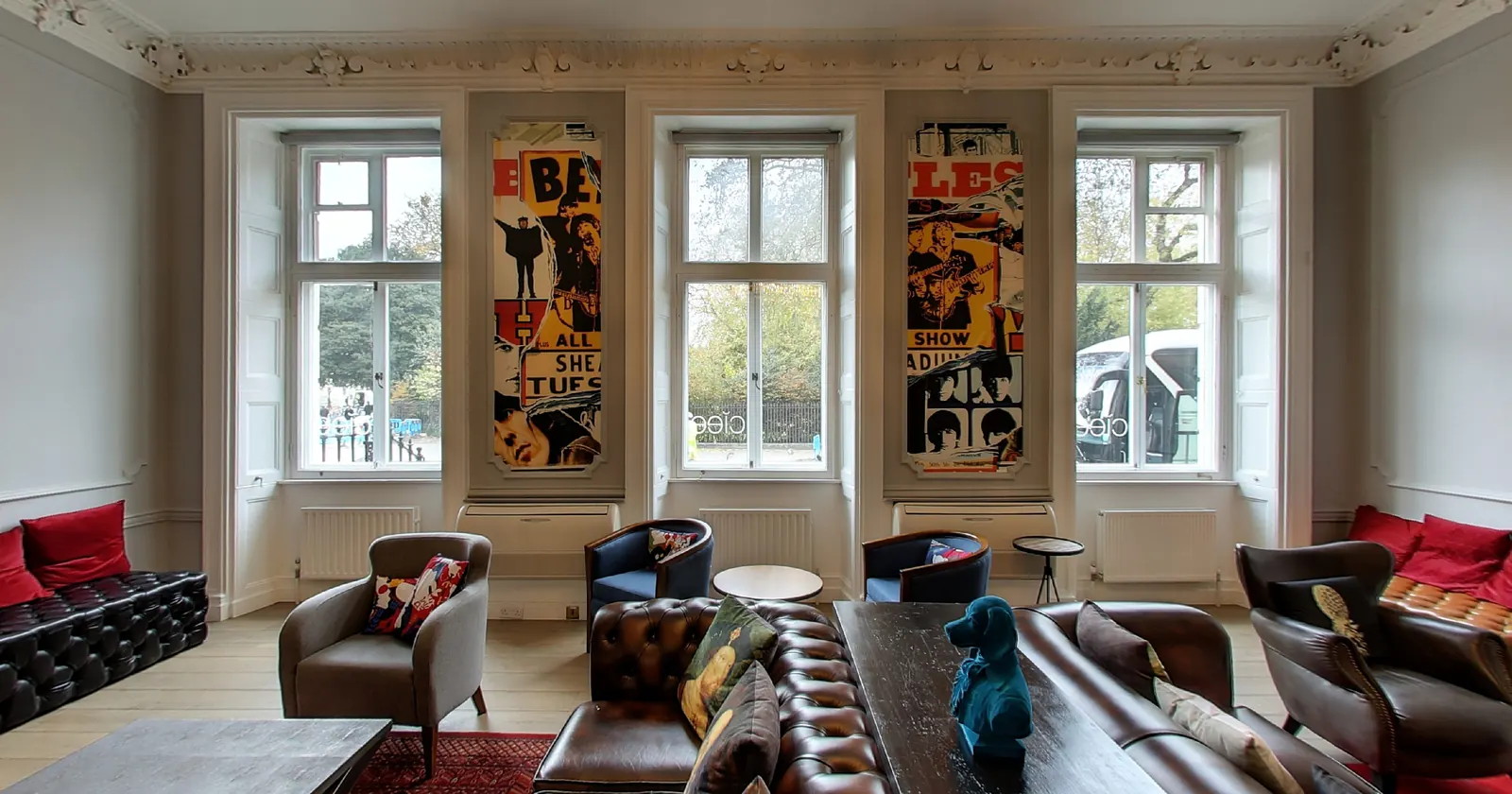
You want people to see your place before they visit. Should you invest in photos, a video or a 360° virtual tour? Each format does a different job, and the best websites often use more than one. Here is how they compare.
Photos: the first impression
Good photographs are fast to load, easy to share and work everywhere - your website, social media, printed leaflets, property portals.
Strengths: quick to look at, perfect for thumbnails and galleries, great for details (a dish, a treatment, a product).
Limits: a photo shows one chosen angle. Visitors cannot look behind them, see how rooms connect or judge the real size of a space. Wide-angle lenses can also make rooms look larger than they are, which some visitors have learned to distrust.
Video: the story
Video is excellent for atmosphere and emotion - people, sound, movement, a welcome from the head teacher or the chef.
Strengths: tells a story in a set order, great on social media, can include interviews and music.
Limits: the viewer goes where the camera goes, at the camera's pace. Anyone who wants to look at one particular room has to scrub through the timeline. Video also dates quickly when people and signage change.
360° virtual tour: the visit
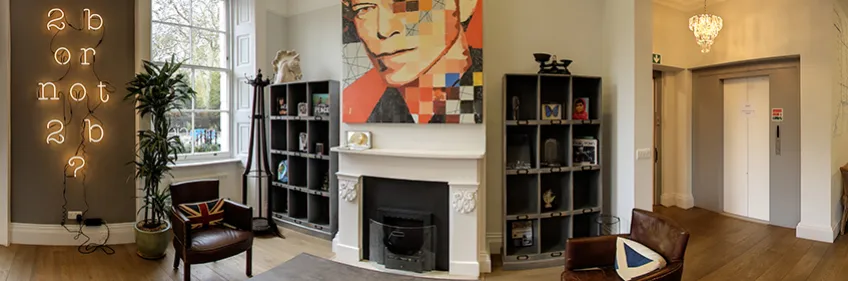
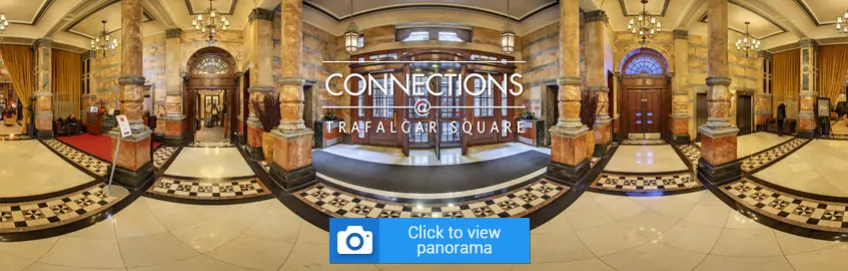
A virtual tour lets the visitor decide where to go and where to look. Each room is a full 360° panorama, connected with arrows and labelled with room names.
Strengths:
- visitors explore at their own pace and look in every direction;
- the real layout and size of the space is clear, which builds trust;
- they can jump straight to the room they care about;
- it works on phones, tablets and computers, and in full screen;
- it can be published on Google Maps, where people search for businesses;
- one panorama can be replaced later without redoing the rest.
Limits: a tour shows spaces, not people or stories, and it is not the right format for a short social-media clip.
Which one when?
| You want to... | Best format |
|---|---|
| make a first impression on a listing or social post | photos |
| tell your story, introduce the team | video |
| let people check the space, the rooms and the layout | virtual tour |
| appear inside your Google Maps listing | virtual tour on Google Street View |
| help event organisers or tenants shortlist remotely | virtual tour |
Combining them
The strongest pages use all three: a hero photo at the top, a short video for atmosphere, and the virtual tour for everyone who is seriously considering a visit. With a virtual tour you also receive full-size 360° panoramas and can have still photographs taken during the same visit, which covers the photo side too.
A short video can even be made from the tour itself - a smooth walk through the panoramas - which is a quick way to add movement to your social media.
In short
Photos attract, video tells the story, and a virtual tour answers the question every visitor has: what is it really like inside?
See examples in our virtual tours, read how a tour is made or get in touch.